
Subtotal $0.00
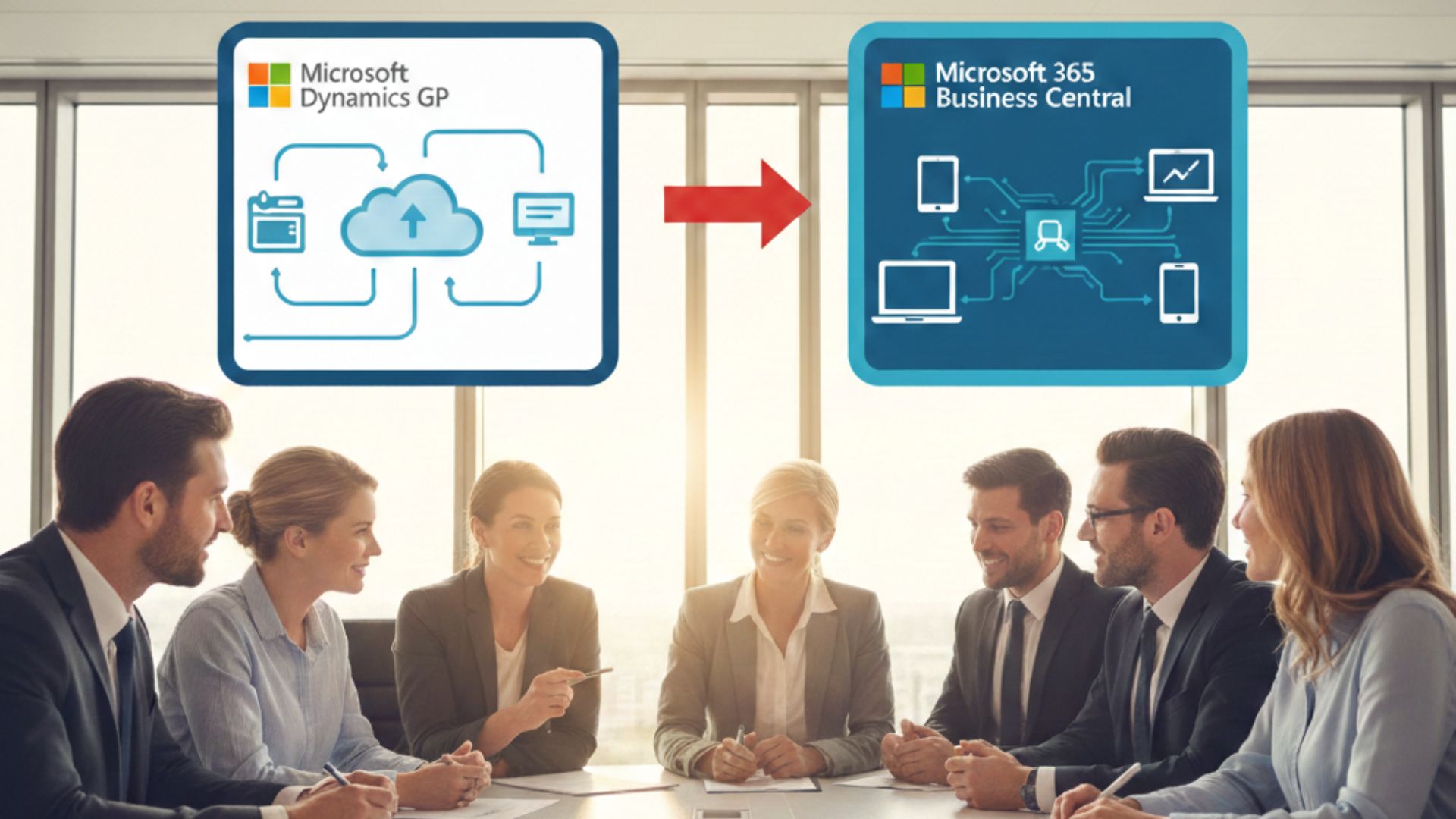
In today’s hyper-competitive business environment, choosing the right ERP (Enterprise Resource Planning) system is more critical than ever. For decades, Dynamics GP (Great Plains) served as a reliable backbone for mid-sized organisations around the world. However, with the emergence of Microsoft Dynamics 365 Business Central, more businesses — particularly in tech hubs like Manchester UK — are evaluating whether it’s time to migrate.
If your organisation is still running Dynamics GP, you may be asking: Is it time to migrate to Business Central? The short answer is yes — if you want modern cloud capabilities, advanced scalability, deeper integrations, and future-proof growth. This article explores when, why, and how to make the move — with practical insights you can act on immediately.
What Is Dynamics GP vs. Business Central?
Dynamics GP — A Trusted On-Premise ERP
Microsoft Dynamics GP has been a trusted ERP solution for many years, known for:
- Strong financial management
- Scalable modules for manufacturing, distribution, and services
- Rich local customisations
However, GP is increasingly seen as a legacy on-premise solution, with limited cloud support and fewer enhancements compared to newer offerings.
Dynamics 365 Business Central — The Modern Cloud ERP
Dynamics 365 Business Central is Microsoft’s next-generation ERP: built in the cloud, intelligent by design, and deeply integrated with Office 365, Power BI, Power Apps, and more.
Business Central delivers:
- Cloud-first accessibility
- AI-powered insights
- Seamless updates and upgrades
- Better mobile and hybrid deployment options
In other words, Business Central represents the future of Microsoft ERP — and many organisations are making the transition.
Why Businesses Are Migrating from GP to Business Central
1. Cloud-First Advantage
Business Central is natively cloud-enabled. Unlike GP, which was designed for on-premise deployment, Business Central offers:
- Access from anywhere, on any device
- Automatic updates and security patches
- Scalable performance on Microsoft Azure
Organisations aiming for agility and remote work readiness find this cloud advantage essential.
2. Lower Total Cost of Ownership (TCO)
While migrating requires planning, moving to Business Central typically reduces ongoing IT costs by eliminating:
- On-premise server maintenance
- Manual updates
- Legacy customisations
With Business Central subscription pricing and Microsoft Azure’s managed infrastructure, many businesses report lower overall ERP ownership costs over time.
3. Enhanced Integration Across Microsoft Stack
Business Central integrates seamlessly with:
- Microsoft 365 (Teams, Outlook, Excel)
- Power Platform (Power BI, Power Automate, Power Apps)
This deep integration improves productivity and enables whole-business digital workflows.
4. Future-Ready Roadmap
Microsoft’s development focus is clearly on Dynamics 365 — not GP. This means:
- More frequent feature releases for Business Central
- Continuous innovation through AI and analytics
- Expanded industry capabilities
If you want a system that evolves with your business, Business Central is the strategic choice.
Signs Your Organisation Should Consider Migration
Here are common indicators that it’s time to move from GP to Business Central:
✔ Struggle with Remote Access: If employees can’t access your ERP securely outside the office, that’s a major productivity gap — one that Business Central solves with cloud accessibility.
✔ We Have Plans to Grow or Scale: Whether extending to new regions or expanding product lines, Business Central’s scalability is ideal.
✔ Are Still on an Old Version of GP: Older versions eventually lose support and security updates. Upgrading to Business Central is often cheaper than perpetual GP upgrades.
✔ You Depend on Custom Integrations: Custom modules in GP can be expensive to maintain. In Business Central, many integrations are native, lowering development overhead.
✔ Reporting and Analytics Are Manual: Business Central’s built-in dashboards and Power BI reporting tools dramatically increase insight with minimal effort.
Key Migration Benefits: What You Get with Business Central
Smart Financial Management
With Business Central, your finance teams get:
- Automated bank reconciliation
- AI-based anomaly detection
- Multi-currency and multi-company consolidation
These capabilities drive faster close cycles and better audit readiness.
Modern Supply Chain and Inventory Control
Business Central supports:
- Advanced inventory tracking
- Forecasting and demand planning
- Warehouse automation (barcode, bin management)
This leads to reduced stock-outs, lower carrying costs, and streamlined logistics.
Improved Project & Service Management
Service-centric businesses benefit from:
- Time and expense tracking
- Project profit analysis
- Resource-level scheduling
All within a single ERP platform.
Better Sales & CRM Integration
Unlike GP, Business Central can integrate closely with Dynamics 365 Sales and Microsoft CRM tools, enabling:
- 360° customer view
- Unified sales and financial data
- Stronger pipeline forecasting
A Hub for Dynamics 365 Adoption
Manchester’s vibrant business landscape — especially in tech, professional services, and retail sectors — has driven strong demand for ERP modernisation. Organisations increasingly work with local experts including:
These partner firms specialise in helping businesses transition from legacy systems like GP to modern platforms like Business Central, offering end-to-end support in implementation, customisation, training, and ongoing managed services.
Choosing the Right Dynamics 365 Partner
Selecting the right partner is critical for a successful migration. Here’s what to prioritise when working with Dynamics partners:
✔ ERP Migration Expertise: Ensure the partner has proven experience in moving customers from Dynamics GP to Business Central.
✔ Deep Technical and Functional Skills
The ideal partner should combine:
- ERP functional expertise
- Technical development capability
- Integration and automation experience
✔ Strong Local Presence : Local partners understand regional compliance, tax requirements, and business culture — which can shorten project timelines and reduce friction.
✔ Microsoft Certification & Gold Partner Status: Working with a Microsoft Dynamics Gold Partner ensures quality, proven delivery, and access to deeper Microsoft resources.
Migration Steps: From GP to Business Central
Here’s a high-level view of the migration process:
1. Discovery & Assessment
Your partner will map:
- Current GP modules
- Customisations
- Integrations
- Data quality
This phase identifies complexity and required engineering effort.
2. Data Migration Planning
Data migration is one of the most critical steps. It involves:
- Mapping GP tables to Business Central data entities
- Cleansing and validating data
- Scheduling historic transfers
3. Customisation & Extensions
Rather than directly porting old custom code, Business Central encourages:
- Extensions using AL Language
- Power Platform automations
- Native integrations with Office 365
4. Testing & Validation
Before go-live:
- Perform functional testing
- Run parallel transactions
- Validate reports and interfaces
5. End-User Training
Successful adoption hinges on user capability. Training should be tailored based on roles (finance, sales, operations).
6. Go-Live & Support
A well-plotted go-live includes cut-over tasks and access to Microsoft Dynamics 365 Support Services to ensure stability.
Common Challenges & How to Overcome Them
Data Quality Issues: Old systems often have messy master data. Early cleansing reduces post-migration errors.
Customisations That Don’t Translate: Business Central uses a different architecture. Work with your partner to re-engineer or modernise custom functions — don’t force outdated code.
User Adoption Resistance: Change management is real. Invest time in training, early champions, and communication.
Integration Complexity: Legacy integrations may not map cleanly. Partners with deep technical expertise can rebuild integrations using APIs or Power Platform.
Comparing GP vs. Business Central: A Quick Overview
| Feature | Dynamics GP | Dynamics 365 Business Central |
|---|---|---|
| Deployment | On-premise | Cloud / Hybrid |
| Updates | Manual | Automatic |
| Accessibility | Limited | Anywhere, any device |
| Integration | Basic | Deep Microsoft ecosystem |
| BI Analytics | Add-on | Built-in with Power BI |
| Scalability | Moderate | High |
| AI Capabilities | None | Built-in |
| Remote Work Support | Limited | Native |
Frequently Asked Questions (FAQs) :
Q 1. What is the difference between Dynamics GP and Business Central?
Ans: Dynamics GP is a legacy on-premise ERP, while Dynamics 365 Business Central is a modern, cloud-first ERP with deep Microsoft ecosystem integrations and continuous updates.
Q 2. Can I migrate my data from Dynamics GP to Business Central?
Ans: Yes — data migration is a core part of the transition. A good partner will handle mapping, cleansing, and validation so your historic data is usable in Business Central.
Q 3. Is Business Central suitable for small to mid-sized businesses?
Ans: Absolutely. Business Central scales from small businesses to larger enterprises and offers modular capabilities tailored to organisation size.
Q 4. What support services are available after migration?
Ans: You can choose Microsoft Dynamics 365 Support Services from certified partners to help with ongoing maintenance, enhancements, troubleshooting, and system optimisation.
Q 5. Are there certified Microsoft Dynamics Gold Partners in Manchester UK?
Ans: Yes — many certified gold partners specialise in ERP implementations and support. Working with a Microsoft Dynamics Gold Partner in Manchester UK means you benefit from verified excellence and Microsoft-endorsed practices.
Conclusion
In most cases — yes. If your organisation relies on Dynamics GP and you are seeking:
- Cloud adaptability
- Lower operational costs
- Stronger analytics and automation
- Seamless integration with Microsoft tools
- Greater scalability and modern capabilities
With the right partner — especially if you’re consulting Microsoft Dynamics 365 partners, Business Central partners, or ERP implementation partners in or around Manchester UK — you can transform your business operations, gain real-time insights, and support sustainable growth for years to come.
Comments are closed